Why Storyboarding Matters for Corporate and Commercial Video
Most explanations of storyboarding talk about creative benefits: pacing, composition, visual flow. Those matter, but they're not why a marketing manager approving a video budget should care.
Here's the business case instead. A storyboard is the cheapest place to fix a bad idea. Once a crew is booked, a location is rented, and a schedule is locked, a change of direction costs real money, sometimes a full reshoot. Catching that same problem on a page of rough panels costs nothing but a conversation. That math holds anywhere, but it's sharper in a market like San Francisco video production, where crew day rates and location logistics make a wasted shoot day expensive to redo on short notice.
It also does something a script alone can't: it gives everyone with sign-off authority, marketing, legal, an executive sponsor, the same picture of what's about to be filmed. Scripts describe what's said. Storyboards show what's seen, which is usually where disagreements actually surface. A script line like "the founder walks through the office talking about company culture" can be read a dozen different ways once someone actually has to film it. A storyboard forces that decision to get made on paper, where changing it costs nothing.
For an internal marketing team working with an outside production company, a storyboard is also the shared reference both sides can point to on shoot day if a question comes up about what was agreed. Without one, "that's not what I pictured" tends to surface after the crew has already packed up, which is the most expensive possible time to hear it.
Storyboard vs. Shot List vs. Script: What's the Difference?
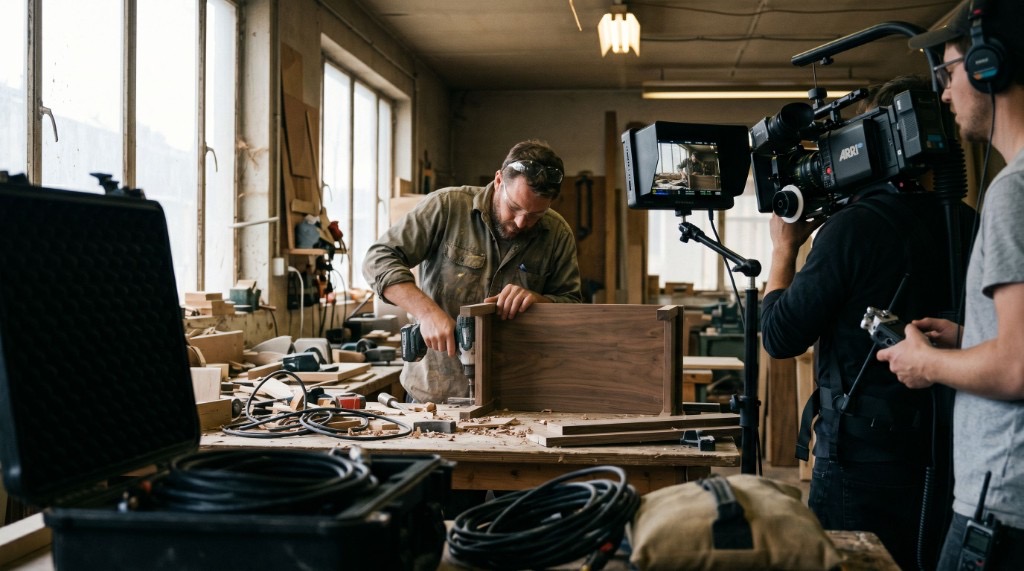
These three get used interchangeably by people who haven't produced video before, and it causes real confusion when a production company delivers all three and a client wasn't expecting them. Together they're the backbone of video production planning: one document for what's said, one for what's seen, one for what the crew actually does on the day.
| Document | What it is | When it's used |
|---|---|---|
| Script | The words and narrative structure: what's said, what happens, in order | Written first, before anything visual is planned |
| Storyboard | A visual sequence showing what each shot looks like | Built from the script, used to get creative sign-off |
| Shot list | A technical checklist of every shot needed on the day, often without images | Built from the storyboard on scripted projects, or directly from the script or brief on simpler shoots |
A script tells you what the video says. A storyboard shows you what it looks like. A shot list tells the crew exactly what to capture, in what order, so nothing gets missed on the day. Script, storyboard, shot list is the common sequence for planned, scripted productions, but not every project uses all three. A simple interview or a straightforward corporate shoot often skips the storyboard and goes straight from the script or brief to a shot list.
The Corporate Storyboarding Process, Step by Step
Here's how to storyboard a corporate video when a client is in the loop, which is where this differs from the version of the process written for a director working alone.
It starts with the goal, not the shots. Before anyone sketches anything, the production team needs to know what the video is for and who it needs to convince. If that groundwork hasn't happened yet, start with a proper production brief first. A storyboard built on a vague goal just produces a vague video, faster.
From there, the script gets broken into scenes. Not every line needs its own panel. The job at this stage is picking out the moments that actually carry the story: the reveal, the demo, the customer's key line, the shot that has to land.
Next comes a rough pass, usually stick figures or reference images rather than finished art. Speed matters more than polish here, since the point is to test whether the sequence works before anyone spends time making it look good.
That rough pass goes to the client for a first look. This is usually the only round where big changes are cheap. A pacing problem, a missing scene, a concept that doesn't fit the brand, all of it is a five-minute fix on paper and a costly one after the shoot. Being explicit about what kind of feedback is useful pays off here. "I don't love this" is hard to act on. "This scene should come before the demo, not after" is something a production team can actually work with.
Once the direction is approved, the panels get detailed: camera angle, movement, dialogue or voiceover cues, timing notes. This version is what the crew actually references, not the rough draft.
Last, it hands off into a shot list for the actual shoot day, the technical checklist a DP and crew work from once the creative direction is locked.
What Goes Into a Storyboard Frame
A single panel doesn't need much to be useful. At minimum:
- The image: a rough sketch, a reference photo, or a still. Stick figures count.
- Shot type: wide, medium, close-up, whatever frames the moment.
- Camera movement: static, pan, dolly, handheld, noted with an arrow or a word.
- Dialogue or voiceover: whatever's being said during that shot.
- Timing: a rough sense of how long the shot holds.
That's it. A storyboard that tries to be a finished illustration usually takes too long to produce and gets treated as precious once it exists, which defeats the purpose. It's a planning tool, not a deliverable to frame.
Storyboarding Ideas: How to Storyboard Without Being an Artist
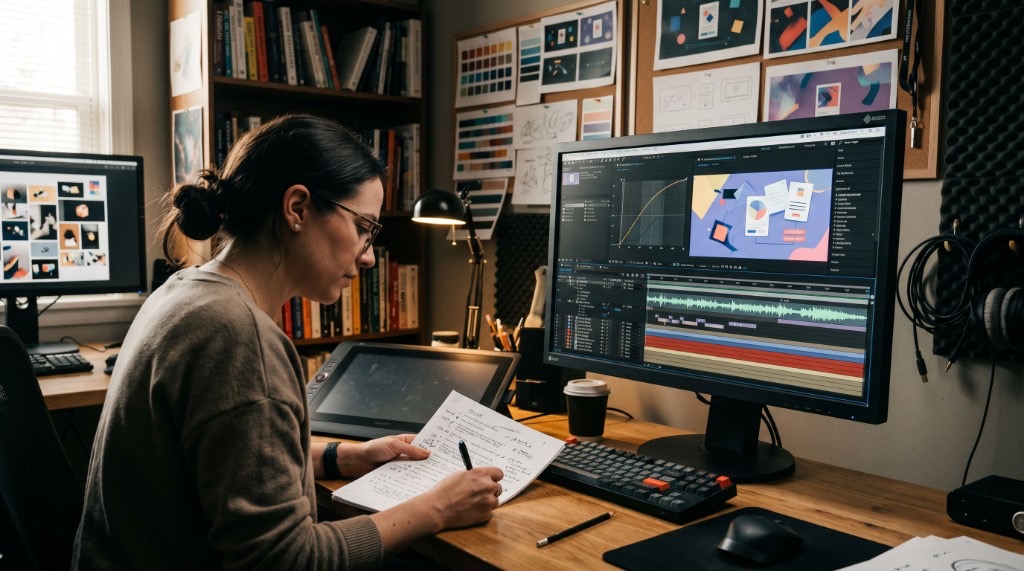
Nobody storyboarding a corporate video needs to draw well. Professional-looking drawing ability isn't a requirement here. A few methods actually get used in practice.
Stick figures work fine on their own, full stop, if the storyboard is only going to be seen by the people making the video. Ovals for heads, bigger ovals for bodies, done. The only job is making sure you understand what you meant a week later, not producing something that would hold up as art.
Reference images instead of drawings are a common approach now for solo shooters and small teams. Pull stills from similar videos, product photos, or a location scout, and drop them into a tool like Milanote, Notion, Figma, or Google Slides with notes on framing and movement written next to each one. It's faster than sketching and often communicates the shot more clearly than a rough drawing would, especially for anyone reviewing the board who isn't used to reading storyboards.
Photo storyboards work well when you have access to the location ahead of time. Stand roughly where the camera will go and take a phone photo. Sequence the photos in order and the storyboard is done without drawing anything, which is often the fastest option for a simple, single-location shoot.
Some videographers now use AI image generation for rough storyboard panels, not just as a product pitch from a storyboarding app. Describe a shot to a tool like ChatGPT or Gemini and use the generated image as the panel, then iterate on the description until it's close enough. It's not a finished product. It's a fast way to get from a text description to something visual enough to react to, which is often all a rough pass needs to be.
PowerPoint or Google Slides was the answer several working videographers gave independently when asked how they actually storyboard, and it's underrated for corporate work specifically. A slide deck is easy to present in a meeting, easy to export to PDF, and easy to pull up on a phone and hand to someone on set. For a corporate audience that needs to show a storyboard to a stakeholder who isn't a filmmaker, that presentability matters more than the visual polish of the panels themselves. A director working alone might reach for a sketchbook; slides are often a practical choice for client-facing storyboards.
When You Can Skip a Full Storyboard (and When You Shouldn't)
Not every video needs one, and treating every project like it does just slows things down.
Skip it for quick social clips, spontaneous content, or a simple single-location interview where a shot list alone covers what the crew needs to know. The overhead of a formal storyboard isn't worth it when there's no client sign-off step and no real risk of a wasted shoot day. A talking-head interview with one subject, one camera position, and no scripted b-roll rarely needs more than a rough shot list.
Don't skip it for anything with a client approval step, multiple locations, actors, a script with a narrative arc, or a budget where a reshoot would actually hurt. A shoot split across a headquarters office and a second market, Los Angeles or Miami, say, is exactly the kind of project where a storyboard earns its keep, since a scheduling mistake on one leg of the shoot is expensive to fix once the crew has moved on. If more than one person needs to agree on what's about to be filmed, a storyboard is what lets that agreement happen before the crew shows up. The general rule: the more people who have to say yes before filming, the more the planning up front pays for itself.

What a Client-Ready Storyboard Actually Looks Like
Most storyboarding guides are written from a filmmaker's point of view: what a director needs on set. A client-facing storyboard has a different job. It has to be understandable to someone who has never read one before and confident enough to approve.
That usually means fewer, clearer panels rather than an exhaustive shot-by-shot breakdown, plain-language notes instead of production shorthand, and a format built to be reviewed asynchronously, since the person approving it is rarely available for a sit-down walkthrough. On our corporate video projects, the storyboard is where a client gets their first real look at the direction before anything gets filmed, and it's built to get a clear yes or a specific note back, something the team can actually act on, not a vague "looks fine" that turns into a surprise on shoot day.
Storyboarding Tools: Free vs. Paid Options
| Tool | Cost | Best for |
|---|---|---|
| Paper or a whiteboard | Free | Fast, rough drafts, solo work |
| Google Slides / PowerPoint | Free (with existing license) | Client-facing presentation, easy export |
| Canva | Free tier, paid plans | No drawing skill needed, drag-and-drop templates |
| Milanote or Notion | Free tier, paid plans | Reference-image boards, moodboard-style planning |
| Storyboarder | Free, open source | Solo filmmakers who want dedicated drawing tools |
| StudioBinder or Boords | Paid, free trials | Teams that need storyboards alongside shot lists and call sheets in one place |
| Toon Boom Storyboard Pro | Paid | Animation and film studios needing full drawing tools and animatic export |
| AI image generators (ChatGPT, Gemini) | Free or subscription | Fast panel generation from a text description, especially useful for pitching a concept before a full script exists |
None of these are wrong. The right one depends on whether the storyboard needs to be presented to someone outside the production team. If it does, weight toward something exportable and easy to review, like slides, over a drawing tool built for a solo artist's workflow.
FAQ
What is storyboarding in video production?
It's the process of mapping out a video shot by shot before filming, using images or sketches arranged in sequence with notes on framing, camera movement, and what happens in each shot. It gives a production team a visual plan to work from before anyone books a crew.
What is the purpose of a storyboard?
A storyboard exists to get everyone, the production team and the client, looking at the same plan before a shoot happens. It should make clear what's being filmed, shot by shot, so problems get caught on paper instead of on set.
Do you need to be an artist to storyboard?
No. Stick figures, reference photos, and slide decks all work. The job of a storyboard is communicating a plan clearly, not producing finished art.
What's the difference between a storyboard and a shot list?
A storyboard shows what each shot looks like, usually with an image. A shot list is a technical checklist of every shot needed on the day, built from the storyboard, and it's what the crew actually works from on set.
What's the difference between a storyboard and an animatic?
A storyboard is a static sequence of panels. An animatic takes those same panels and arranges them on a timeline with rough timing and sometimes temporary audio, so the team can test pacing before committing to a full shoot. It's mostly used for animation, explainer videos, or anything with tightly scripted timing, less common for a straightforward interview or talking-head piece.
How much detail should a corporate video storyboard have?
Enough that someone who wasn't in the planning conversation can look at it and understand what's being filmed and why. For a client-facing version, that usually means fewer, clearer panels with plain-language notes rather than an exhaustive technical breakdown.
Get a quote
Already have a script or concept?
Send it our way and we'll walk you through what a storyboard looks like for your specific project.